Documentation Index
Fetch the complete documentation index at: https://levelblue-final.mintlify.app/llms.txt
Use this file to discover all available pages before exploring further.
Types of Actions
The Actions displayed are dependent on the service(s) the user has. A user can navigate between Services at the top of the page, where Firewall is highlighted below.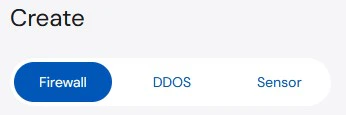
Firewall
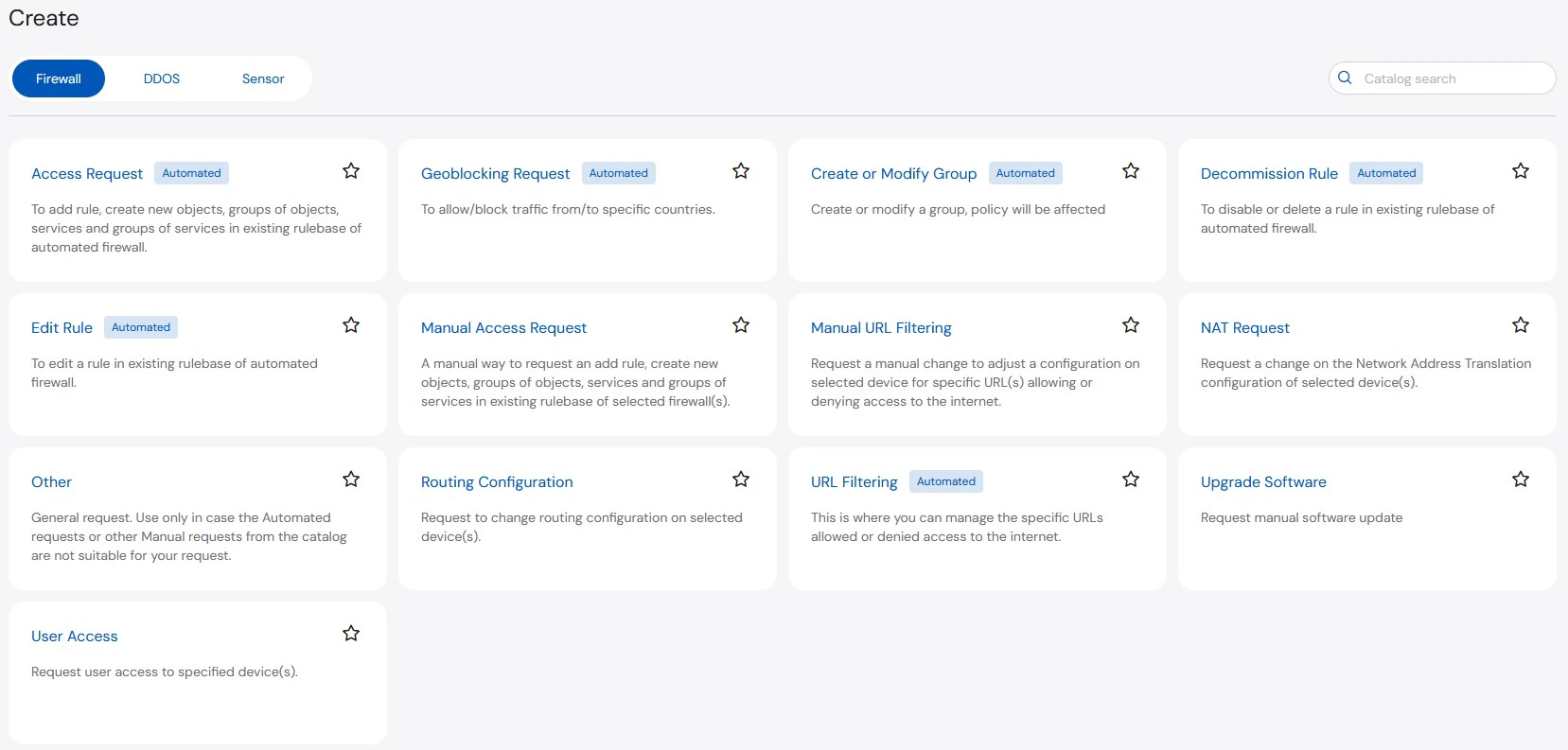
- Access Request (Automated): To add rule, create new objects, groups of objects, services and groups of services in existing rulebase of automated firewall.
- Create or Modify Group (Automated): Create or modify a group, policy will be affected
- Decommission Rule (Automated): To disable or delete a rule in existing rulebase of automated firewall.
- Edit Rule (Automated): To edit a rule in existing rulebase of automated firewall.
- Manual Access Request: A manual way to request an add rule, create new objects, groups of objects, services and groups of services in existing rulebase of selected firewall(s).
- Manual URL Filtering: Request a manual change to adjust a configuration on selected device for specific URL(s) allowing or denying access to the internet.
- NAT Request: Request a change on the Network Address Translation configuration of selected device(s).
- Other: General request. Use only in case the Automated requests or other Manual requests from the catalog are not suitable for your request.
- Routing Configuration: Request to change routing configuration on selected device(s).
- URL Filtering (Automated): This is where you can manage the specific URLs allowed or denied access to the internet.
- Upgrade Software: Request manual software update
- User Access: Request user access to specified device(s).
DDoS
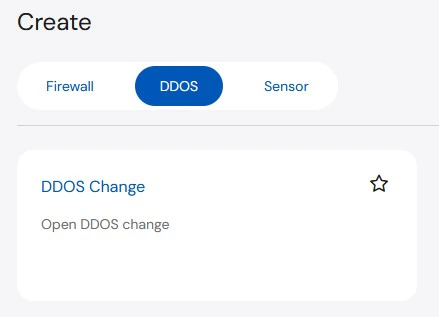
- DDoS Change: Open DDOS change
Sensor
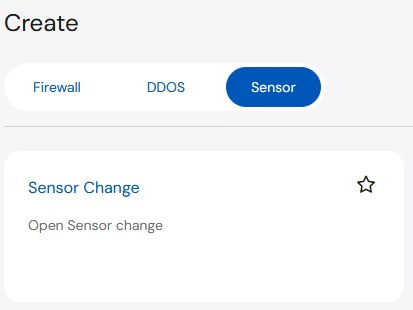
- Sensor Change: Open Sensor change
Initiating an Action
From the Create page, a user will select an Action (such as Add Rule) first. The information required is dependent on the action, but the high-level steps are as follows: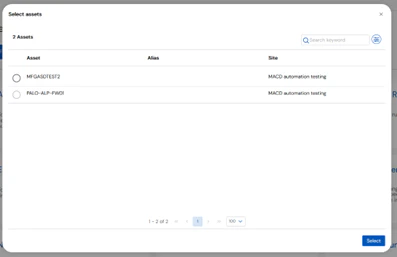
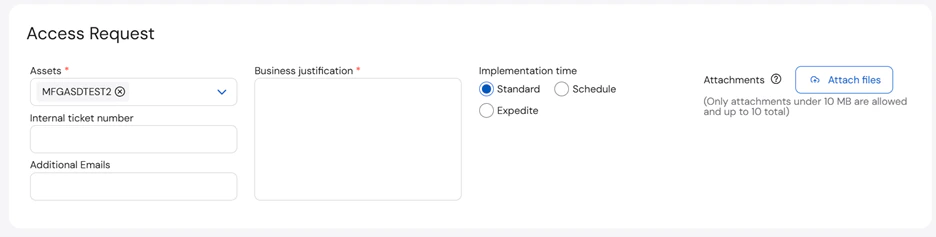
Complete the required information at the top of the page: Asset(s), Business Justification, and Implementation time