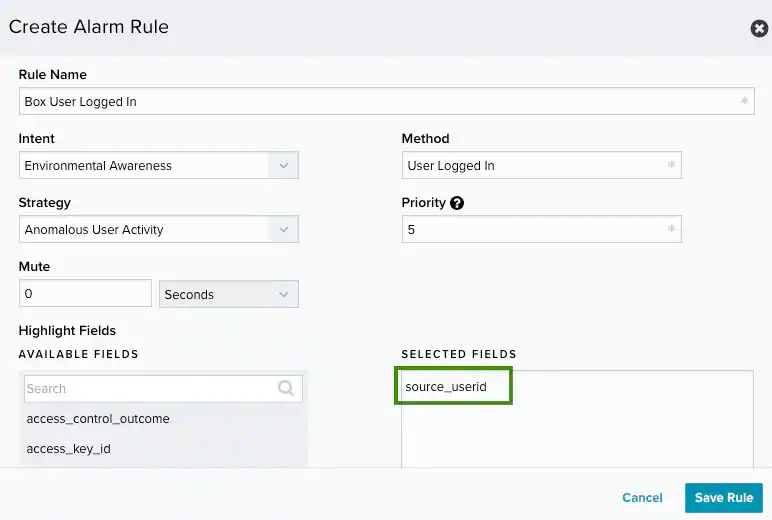
With the collection of your Box Enterprise account activities through the configured BlueApp for Box, USM Anywhere collects, enriches, and analyzes data from your Box environment. It detects any suspicious activity, such as anomalous user behavior, credential abuse, or authentications. When USM Anywhere detects a threat, it generates an . See the following table for examples of alarms that the BlueApp may produce. Examples of Alarms Generated from Box DataDocumentation Index
Fetch the complete documentation index at: https://levelblue-final.mintlify.app/llms.txt
Use this file to discover all available pages before exploring further.
| Intent | Strategy | Method |
|---|---|---|
| System Compromise | Credential Abuse | Authentication to Box from a known malicious host |
| Ransomware Infection | Multiple uploads with known ransomware extension | |
| Ransomware decryption instructions file upload | ||
| Exploitation & Installation | Malware Infection | Executable downloaded from Box followed by malware activity |
| Delivery & Attack | Brute Force Authentication | Successful login after a brute-force attack |
| Password spraying against Box | ||
| Data Exfiltration | File sent to a known malicious host | |
| Known Malicious Infrastructure | Box application created from a known malicious host | |
| File shared from a known malicious host | ||
| Reconnaissance & Probing | Brute Force Authentication | Multiple login failures |
| Environmental Awareness | Access Control Modification | Two-factor authentication disabled |
| Account Manipulation | Multiple user accounts deleted | |
| Anomalous User Behavior | Admin login from an unknown device | |
| Credential Abuse | User login from two different countries in a short period | |
| Defense Evasion - Cover Tracks | User account created and deleted in short period | |
| Defense Evasion - Disabling Security Tools | Box security policy deleted | |
| Malware Infection | Box detected a malicious file upload | |
| Sensitive Data Disclosure | Box support access granted |